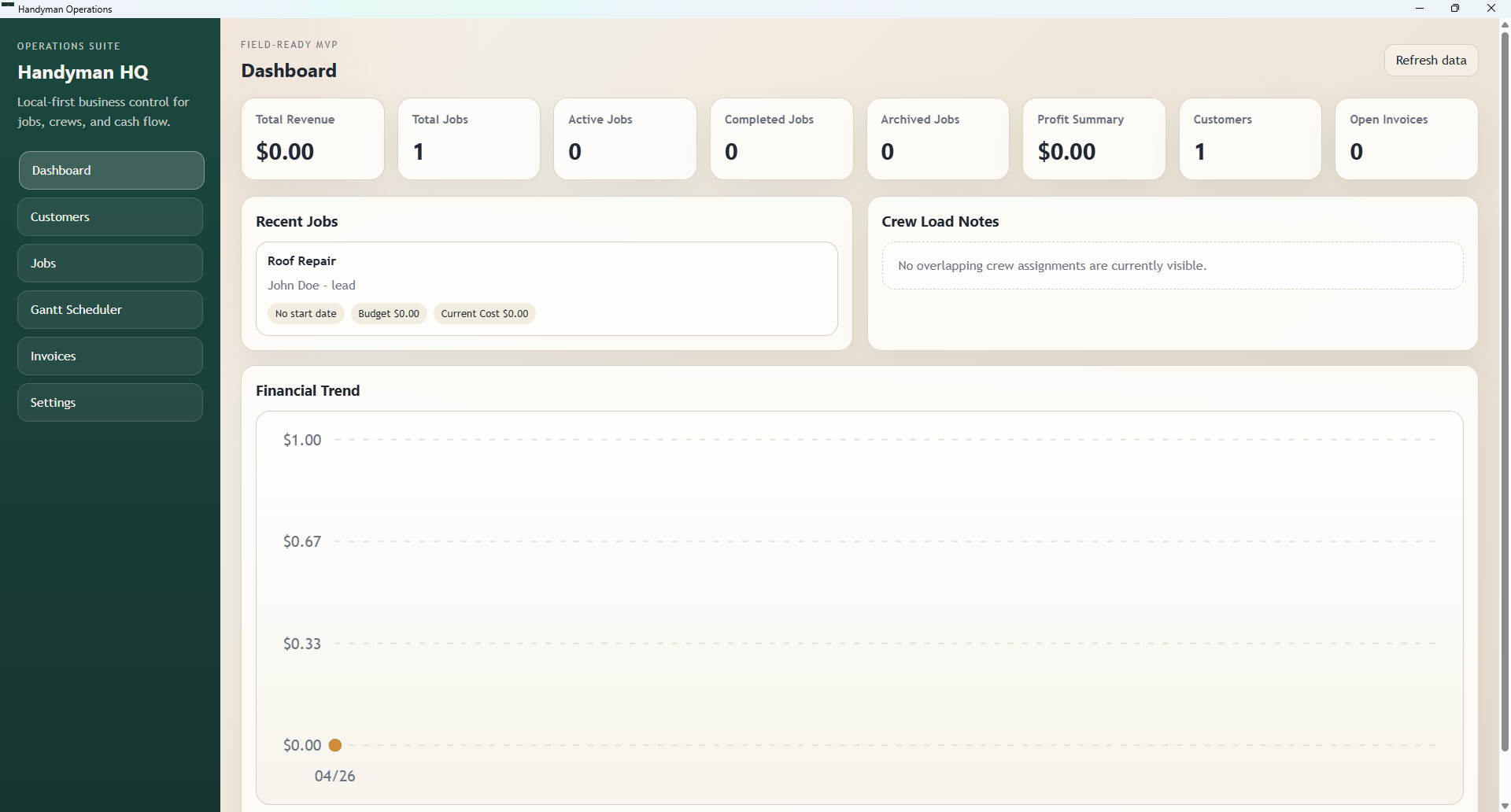
Operations Dashboard
View open jobs, customer totals, invoices, revenue, profit, and business notes from a clean starting point.
 HandyPro
Windows desktop app for small contractors
HandyPro helps handyman and home service businesses keep daily operations organized without juggling spreadsheets, folders, paper notes, and disconnected tools.
Everything connected
HandyPro keeps the important parts of your business close together: customers, jobs, schedules, cost tracking, documents, invoices, estimates, field notes, and reports.
View open jobs, customer totals, invoices, revenue, profit, and business notes from a clean starting point.
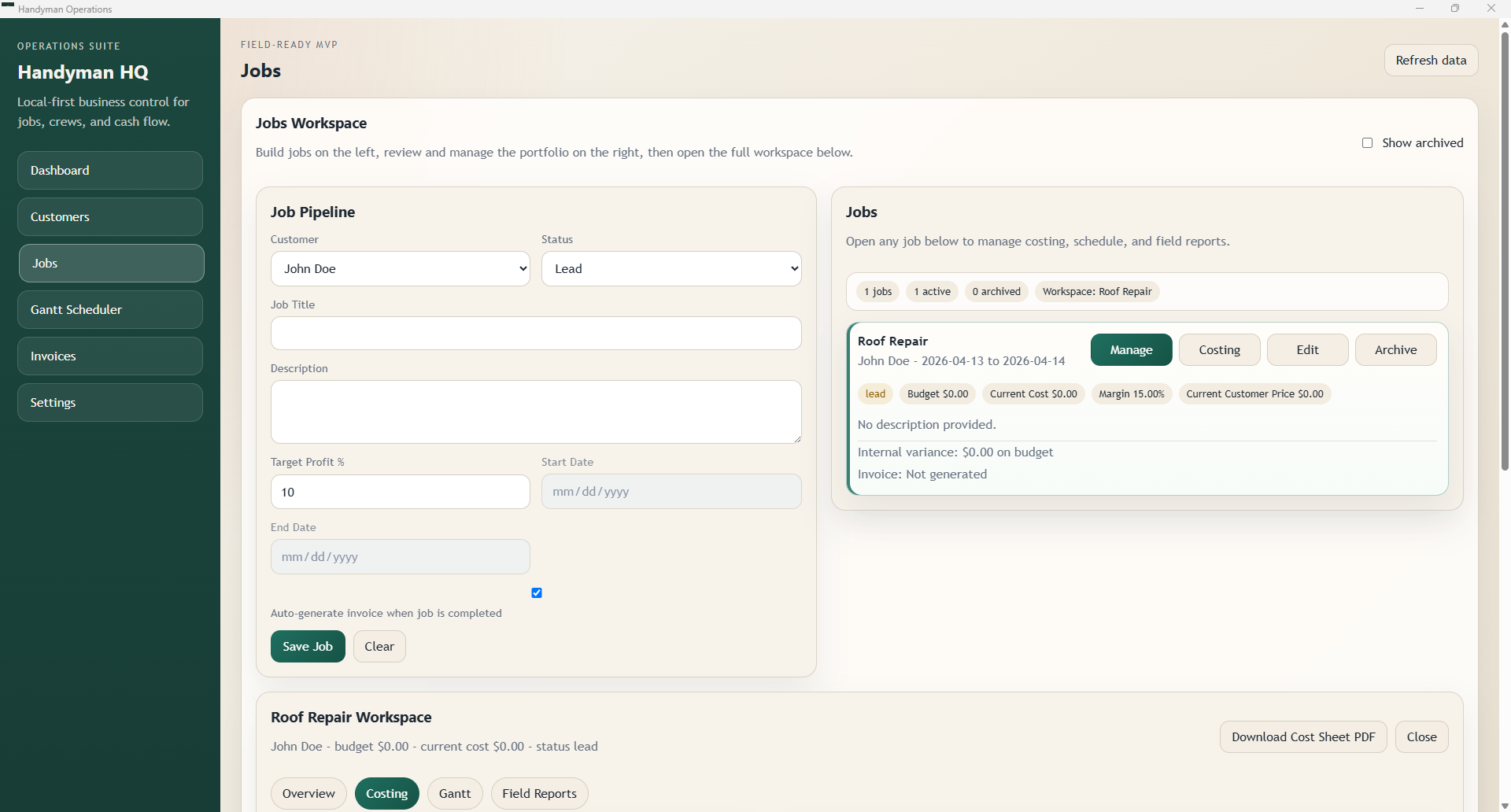
Create customers, attach jobs, track pipeline status, and open job-specific workspaces for daily project control.
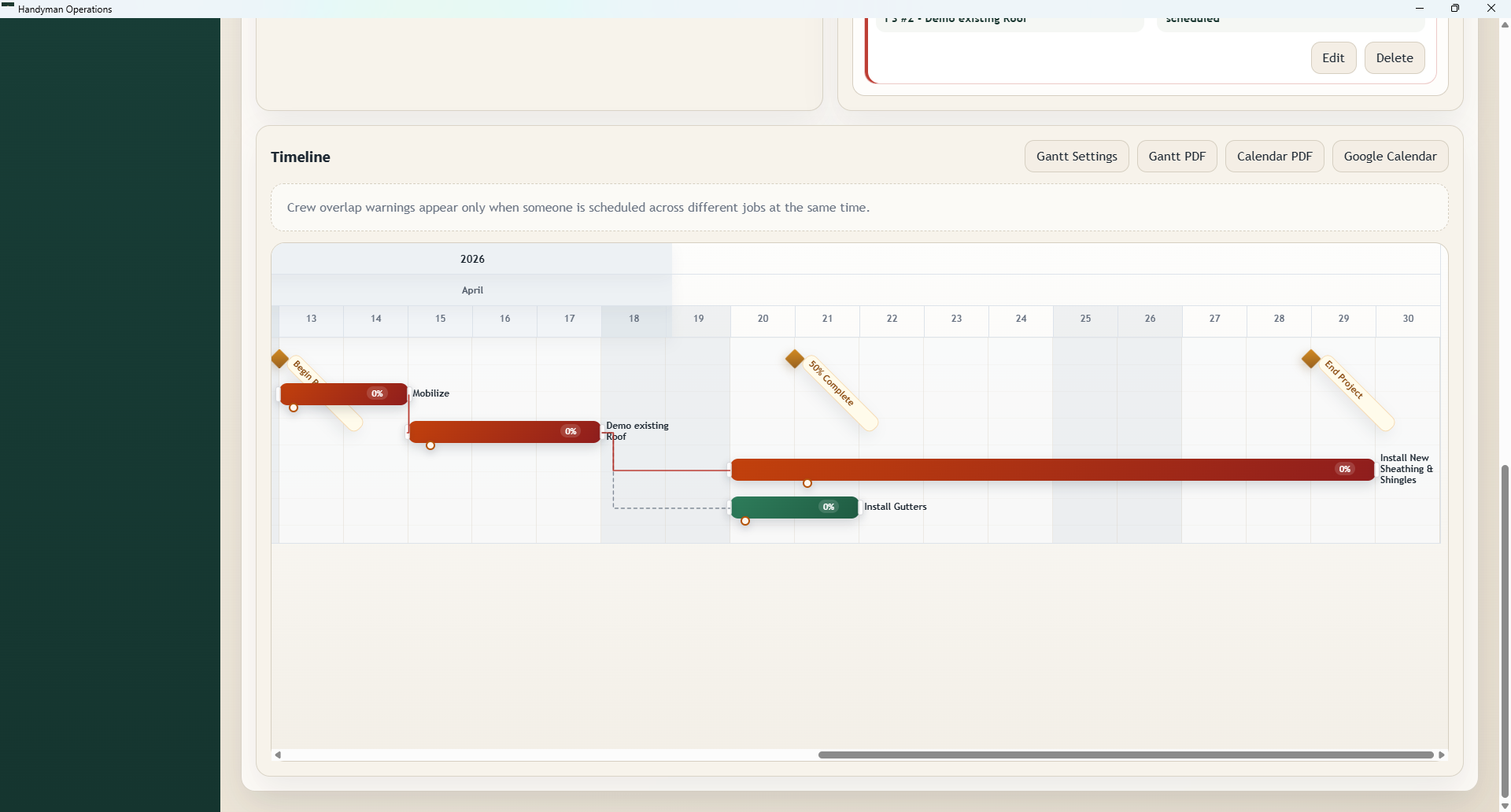
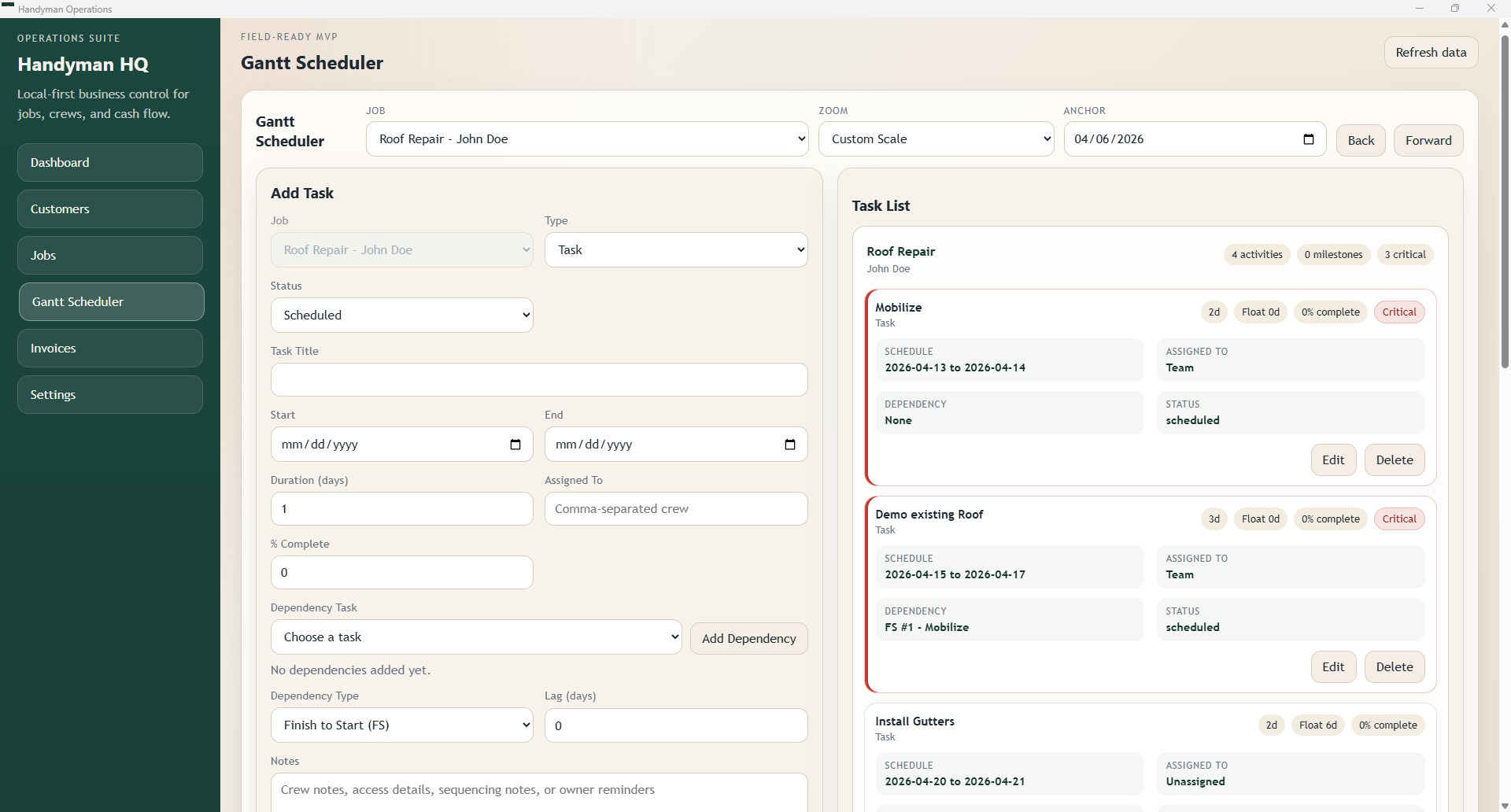
Plan tasks, milestones, workdays, dependencies, and exports with a schedule tool made for project visibility.
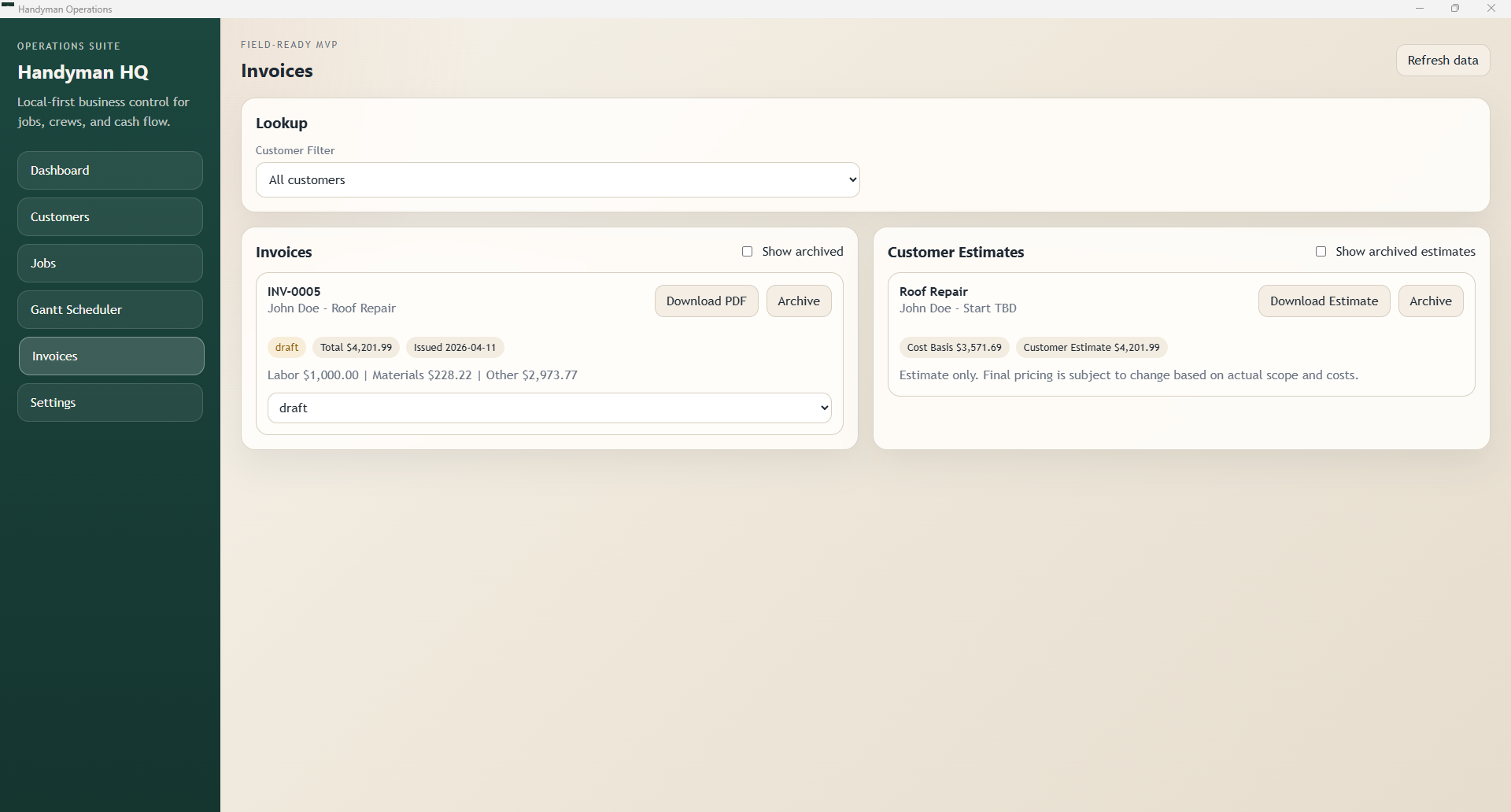
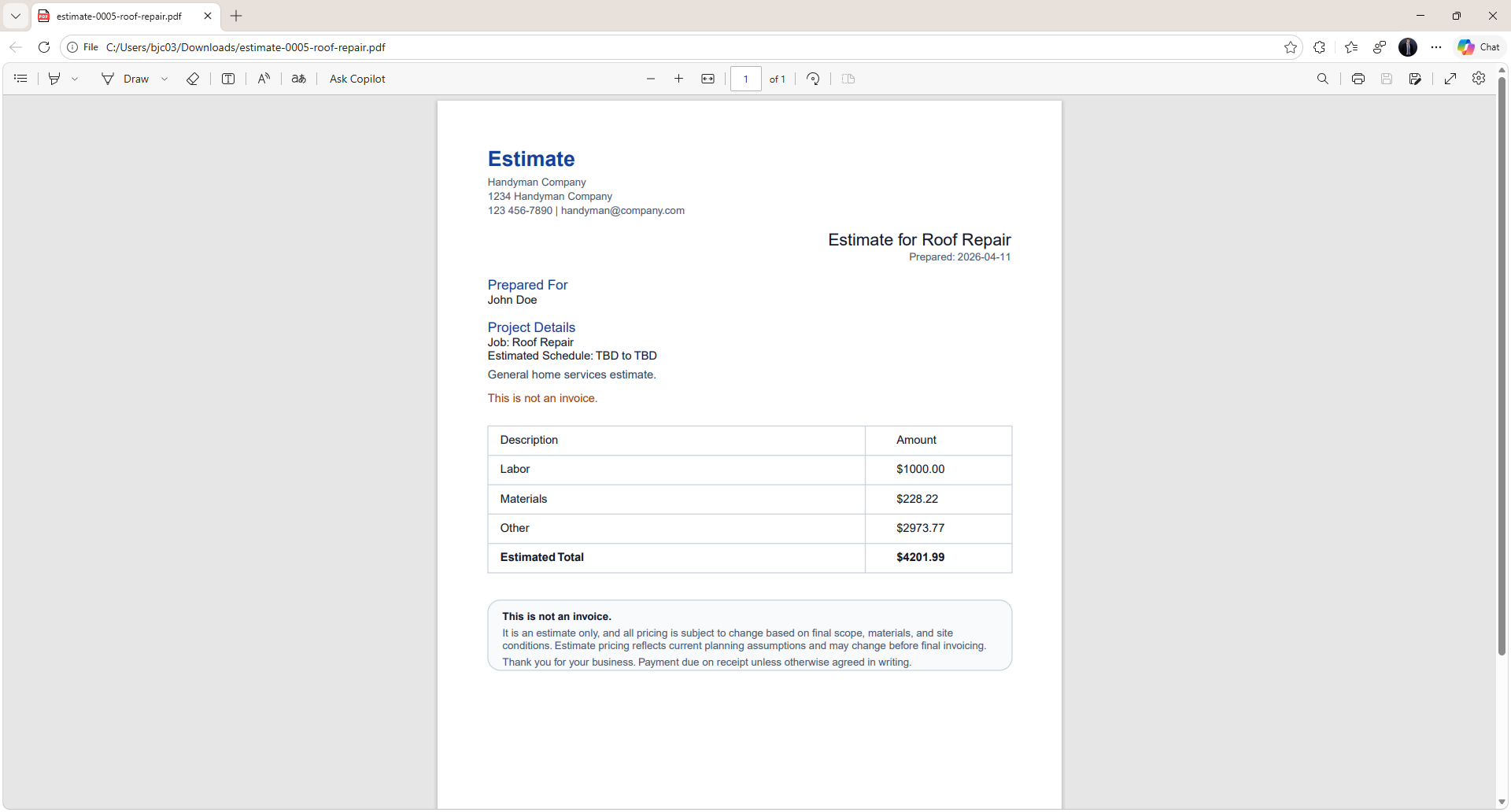
Create polished client documents with company information, cost details, totals, and downloadable PDFs.
Keep generated documents, job files, invoices, estimates, and related records organized by customer and job.
Track financial trends, job cost details, field reports, and business records in one practical system.
Product preview
These screenshots use your existing repository images so the website matches the actual application look and feel.
Install the latest release
The downloads page pulls release data directly from your HandyPro release repository, so the installer button can stay current as you publish new versions.
Support
If Windows shows a warning for a new installer, select More info, then Run anyway if you trust the source.
GitHub release builds can be used for direct installers and auto-update workflows. Microsoft Store builds should update through the Store.
Keep the Store version and GitHub release version aligned so customers know which build is current.